In your browser
Choose projects, ask Quick Questions, run authorized Meeting Intelligence sessions, or share supported computer audio with permission. Glasses are optional.
Browser workspaceHOW IT WORKS
Choose what Nexus knows, decide how you want it to help, and stay present as relevant answers and suggestions reach you in the moment. Revisit useful contributions afterward.
EXPLORE THE EXPERIENCE
Explore how Nexus works before, during, and after an important moment. Choose any step to see the experience.
STEP 01 / YOUR KNOWLEDGE
Select a project and the notes, briefs, or references you want Nexus to use. For a general question, you can also start without project material.
Launch objective and timeline
Decision owners and dependencies
Known risks and open questions
WHERE THE INTELLIGENCE GOES
Prepare and ask questions in your browser. When compatible glasses are connected, take concise Nexus contributions into your line of sight.
Choose projects, ask Quick Questions, run authorized Meeting Intelligence sessions, or share supported computer audio with permission. Glasses are optional.
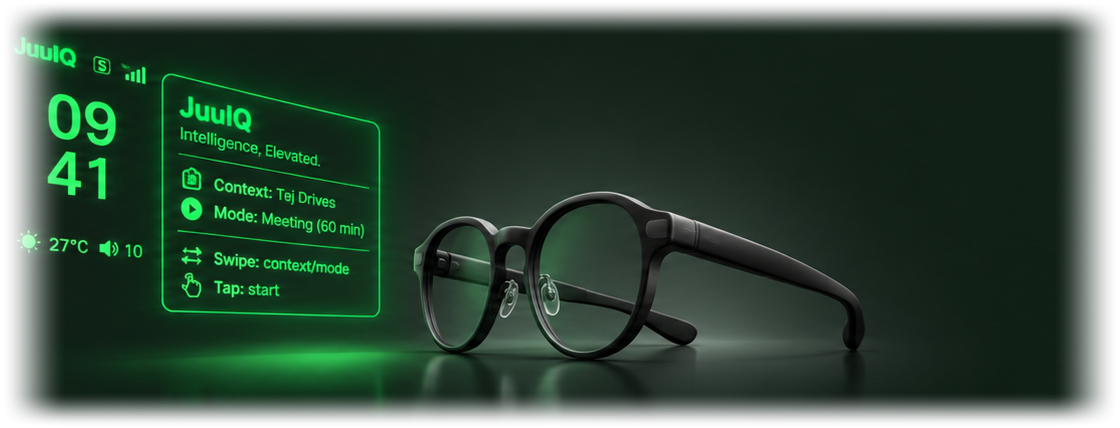
Browser workspaceWith compatible Even G2 glasses, see concise Nexus answers in your line of sight. Select your project and intelligence mode through the phone companion.
Compatible eyewearBUILT WITH CLEAR BOUNDARIES
Your knowledge and your sessions stay under your control. Listening and computer-audio sharing require intentional activation and appropriate consent.
Only bring in reference material you're authorized to use and select the right context for the discussion.
Start listening or share computer audio only when appropriate, with the required permission and consent.
Answers support your judgment. Important claims and decisions still require your verification.
THE JUUIQ EXPERIENCE
Nexus already connects browser intelligence, supported eyewear, and useful session history in a private testing experience.
Quick Question, Meeting Intelligence, permissioned Computer Audio, compatible G2 in-lens responses, and Session Insights are available in private testing.
Preparing customer onboarding, subscriptions, and broader release readiness while refining reliability.
Purpose-built JuuIQ eyewear is part of our long-term vision.
READY TO EXPLORE?
From the first question to the insights you revisit later, discover how Nexus fits the moments that matter.